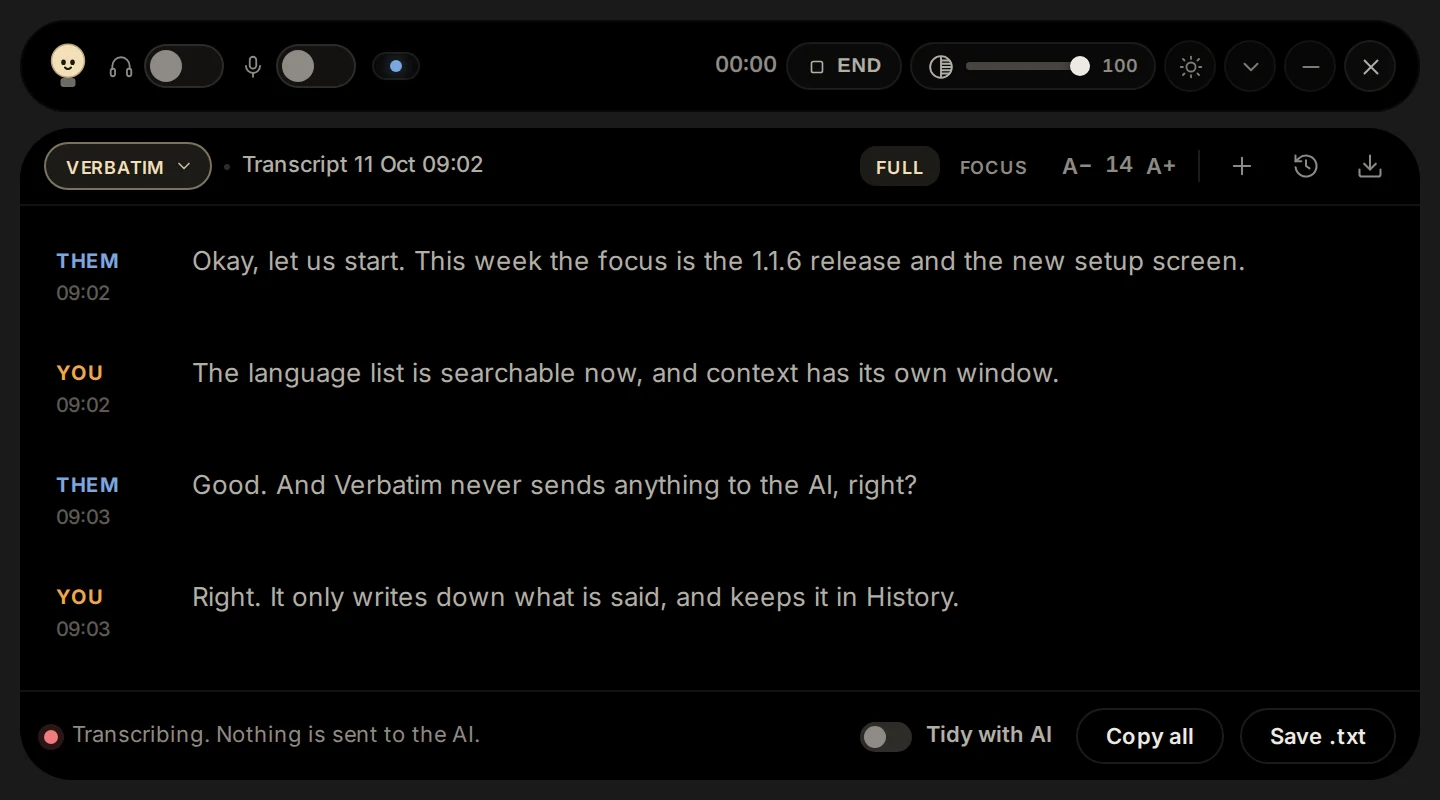
From an interviewer, a teammate or a stack trace. Transcribed as it is spoken.
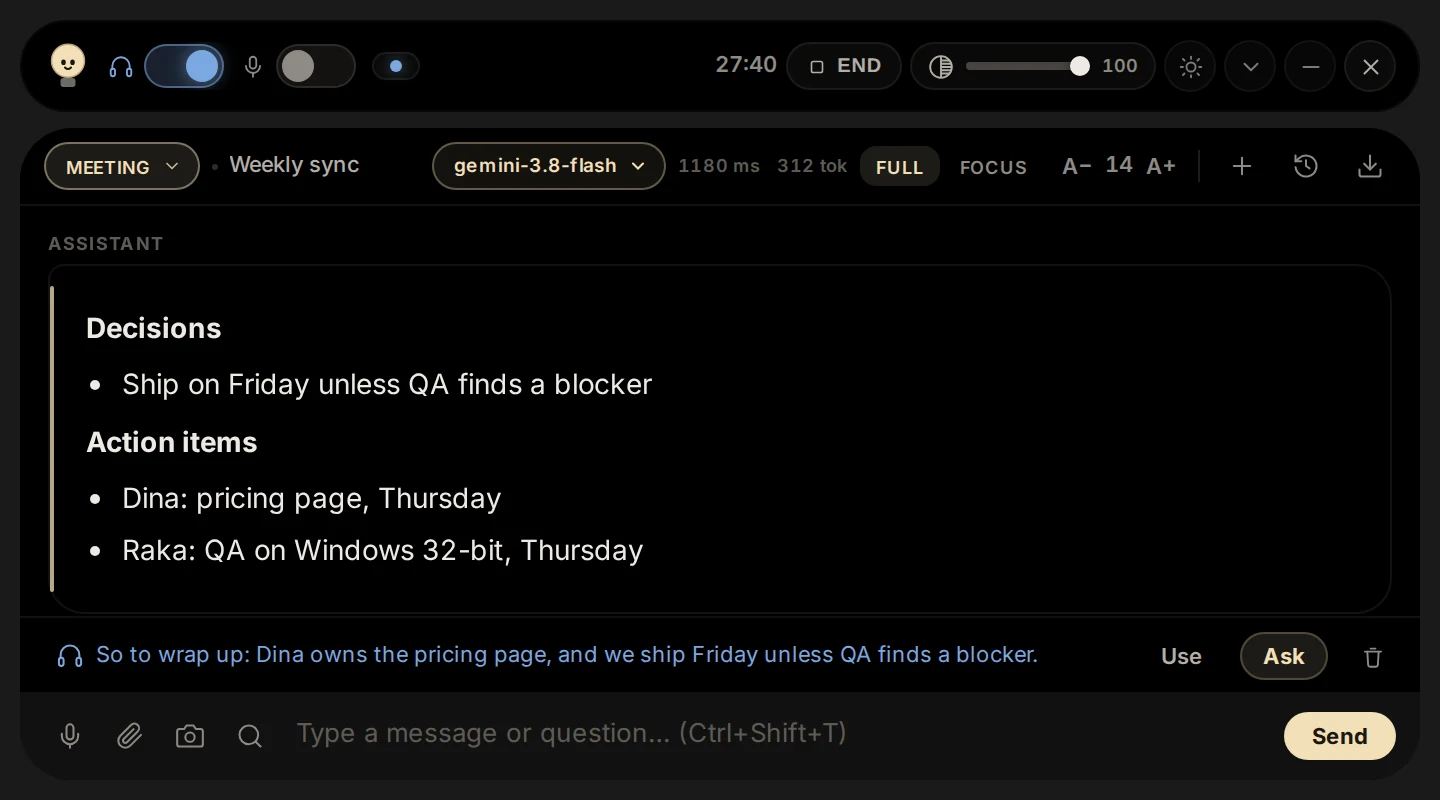
The bar lights up
A suggestion appears in plain words, from the model you picked.
You say it, your way
Put it in your own words. Nothing is said for you.
Modes
One bar, a mode for every room
Switch with one click. Each mode has its own instructions and keeps its own conversation.
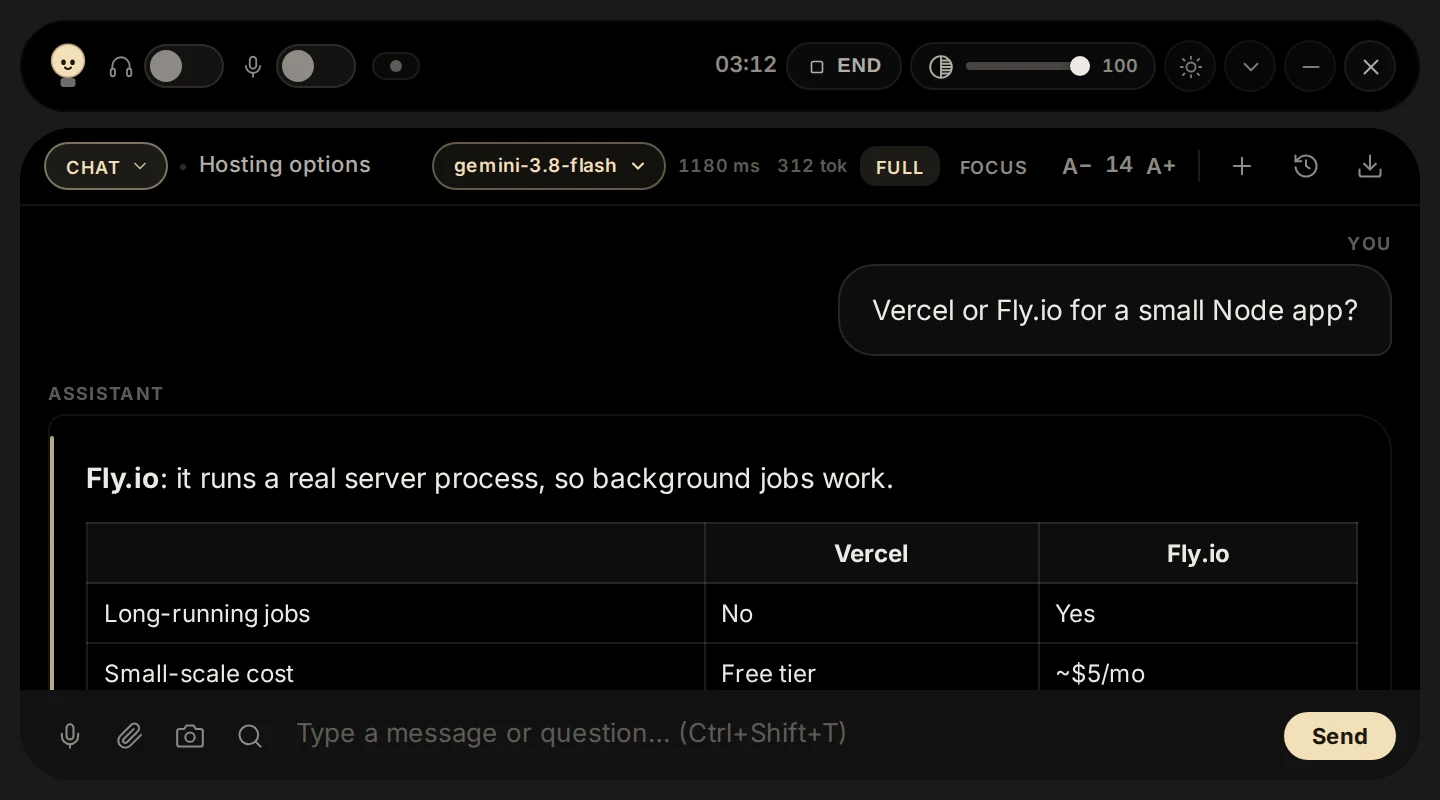
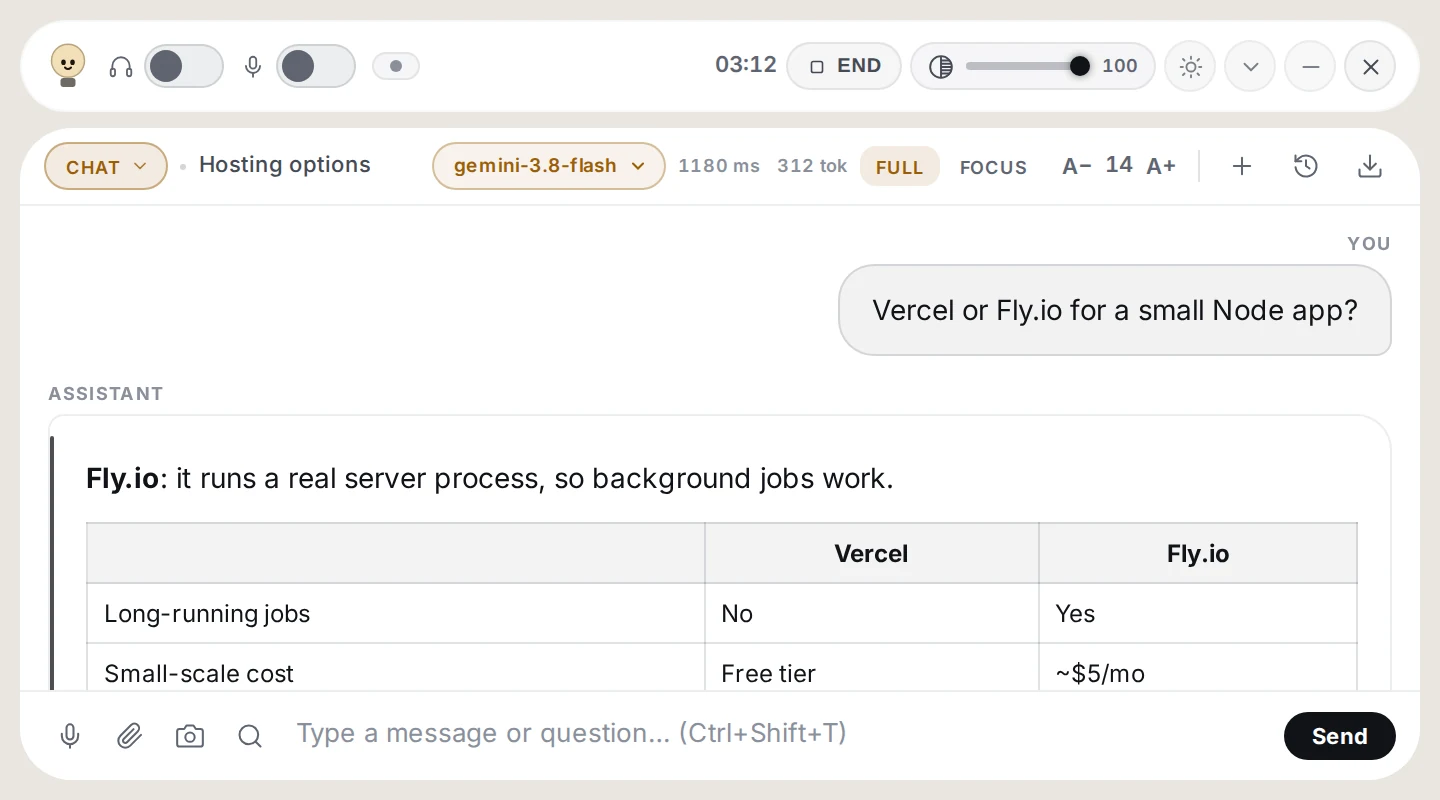
Chat
Ask anything, get it straight
Ask by voice or by typing; the answer comes back in clean, short paragraphs.
Attach a file, or box part of the screen and ask about it.
Use a quick, cheap model for small questions and a stronger one when it matters.
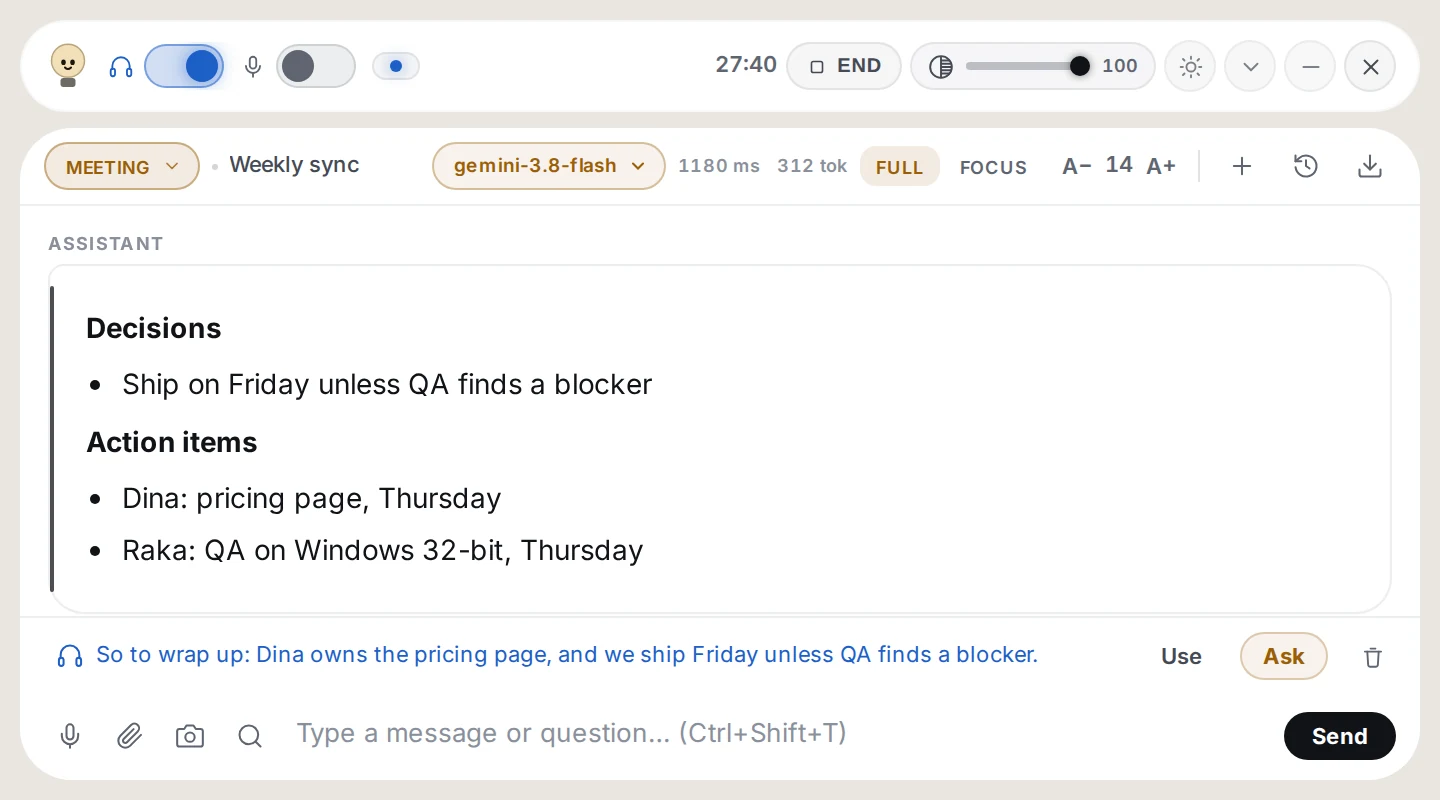
Meeting
Have your point ready
When a question is aimed at you, it drafts a short reply you can say in your own voice.
Ask for a summary and get decisions, action items and open questions.
It never invents what was not said, and marks what it is unsure of.
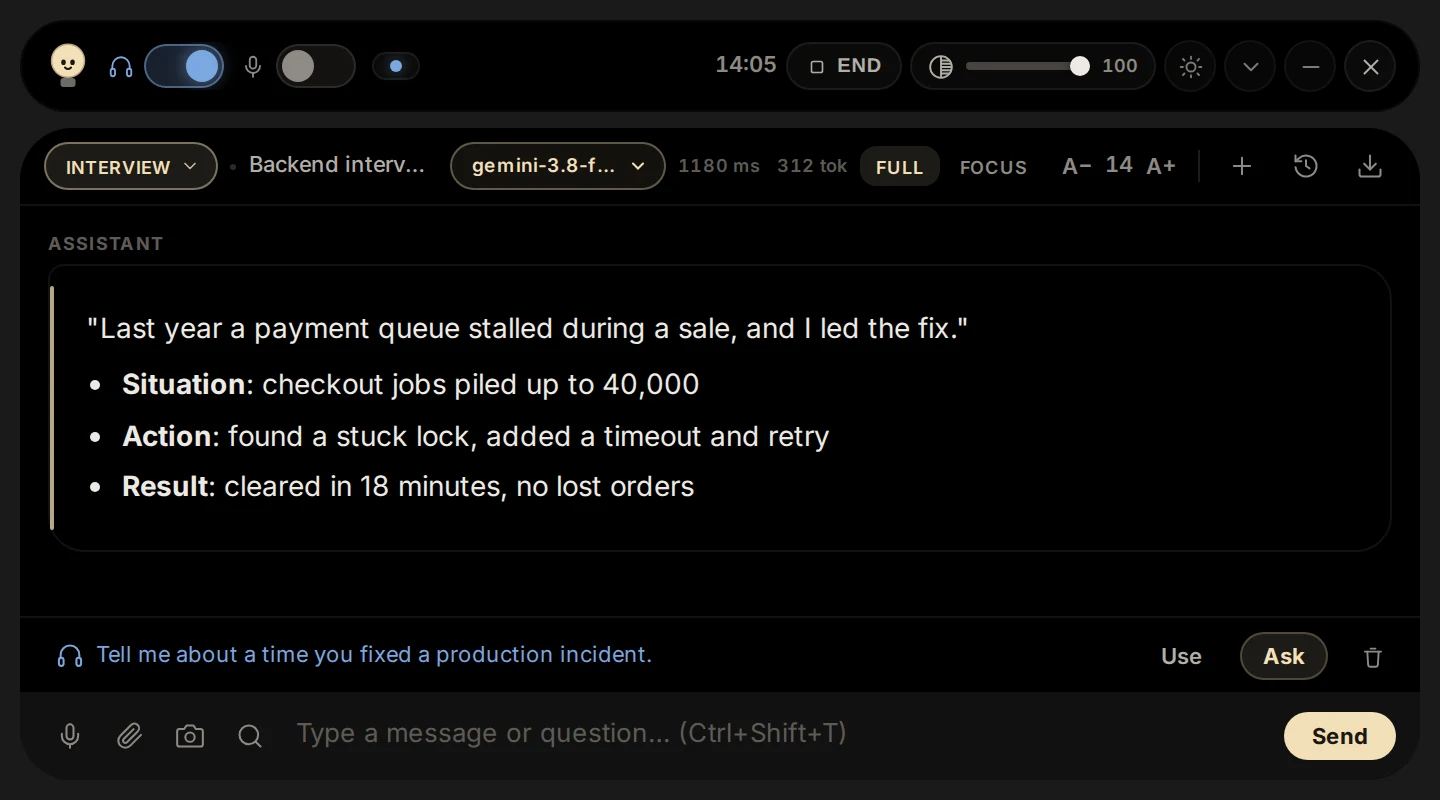
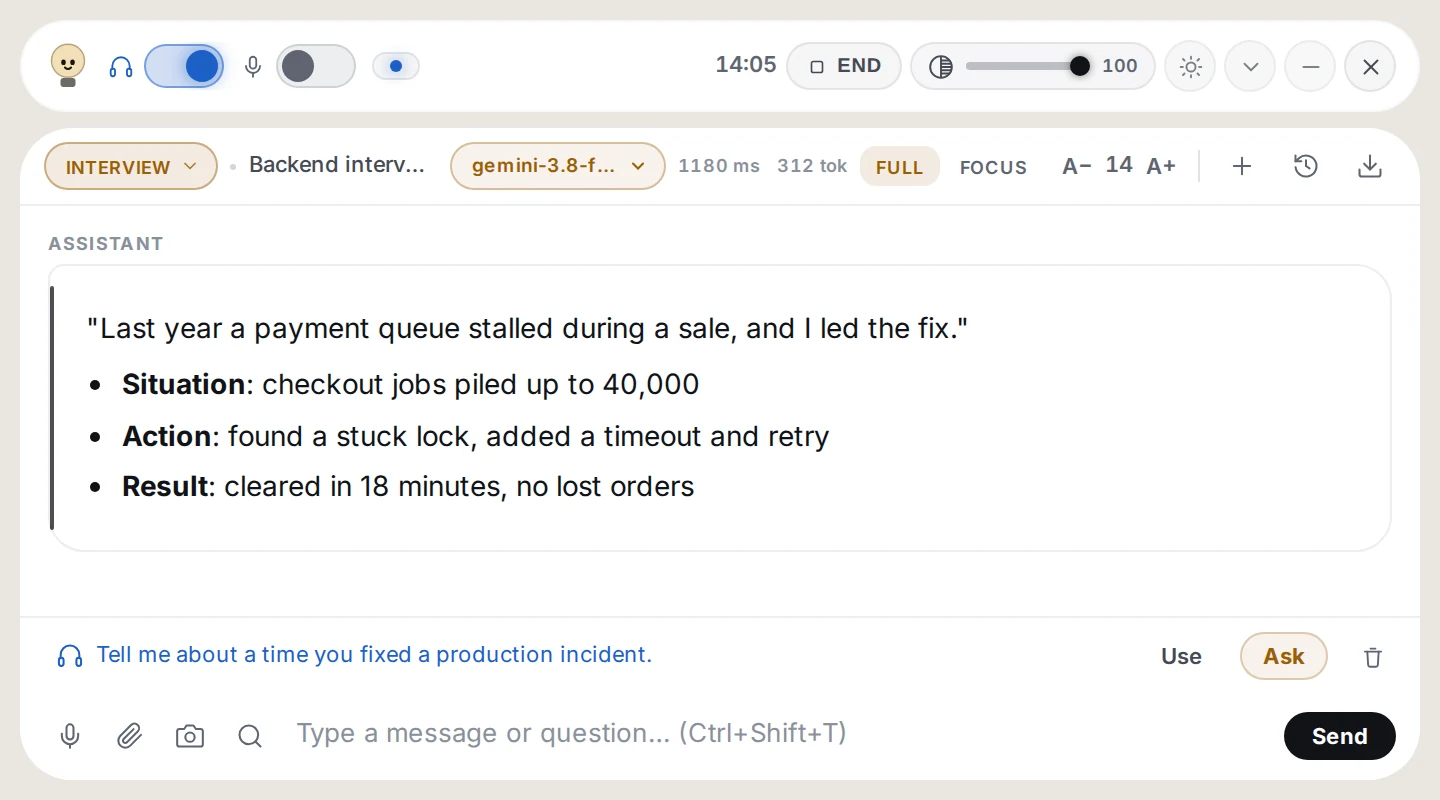
Interview
Rehearse until it sounds like you
Answers in the first person, opening with a line you can say straight away.
Draws on your CV and the job description; behavioural questions follow Situation, Task, Action, Result.
Rehearse your answers out loud, or work through a system design.
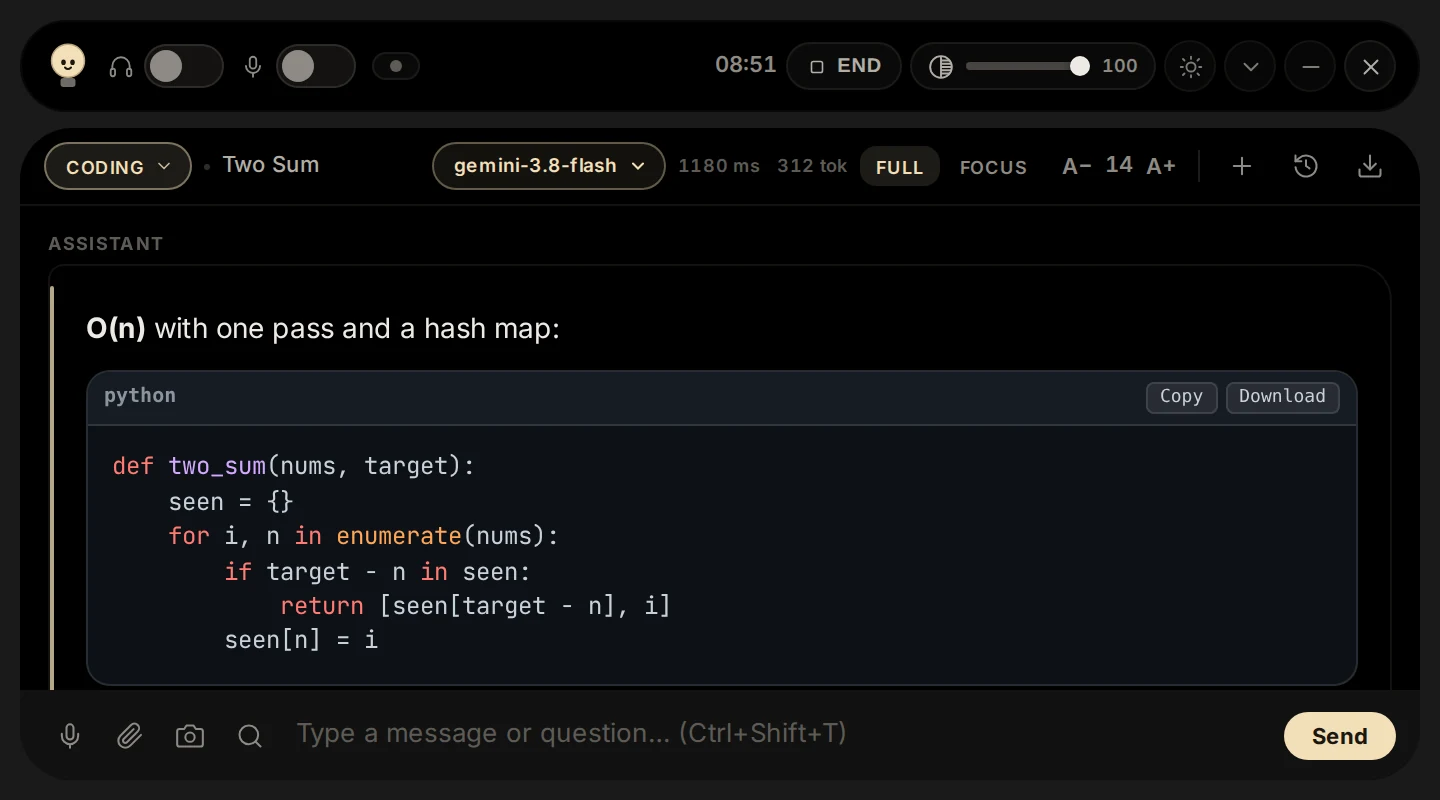
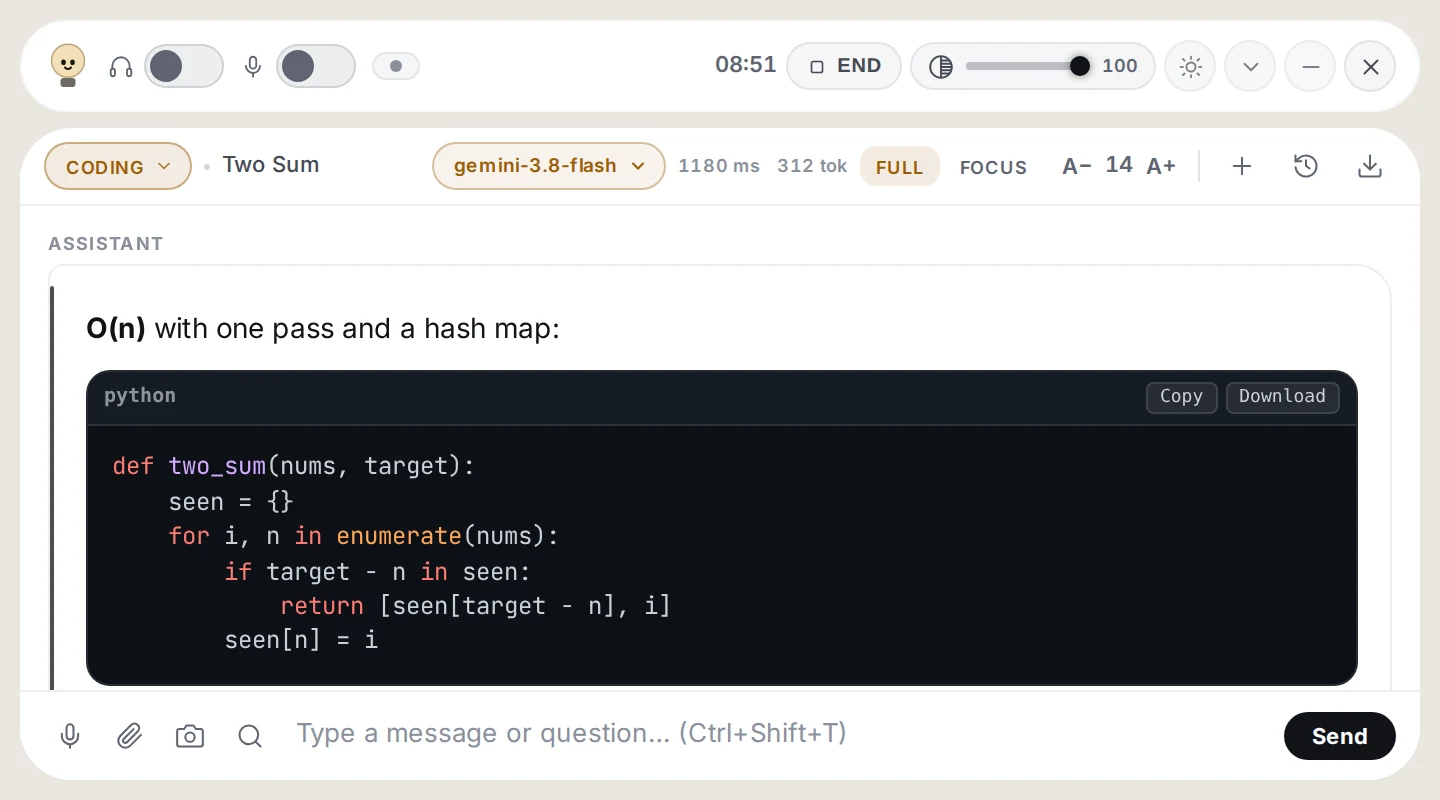
Coding
Unstuck without leaving the editor
The approach, its complexity, a complete solution, tests and edge cases.
Box the error on screen and ask about it, stack trace and all.
Code arrives in fenced blocks, ready to read and copy.
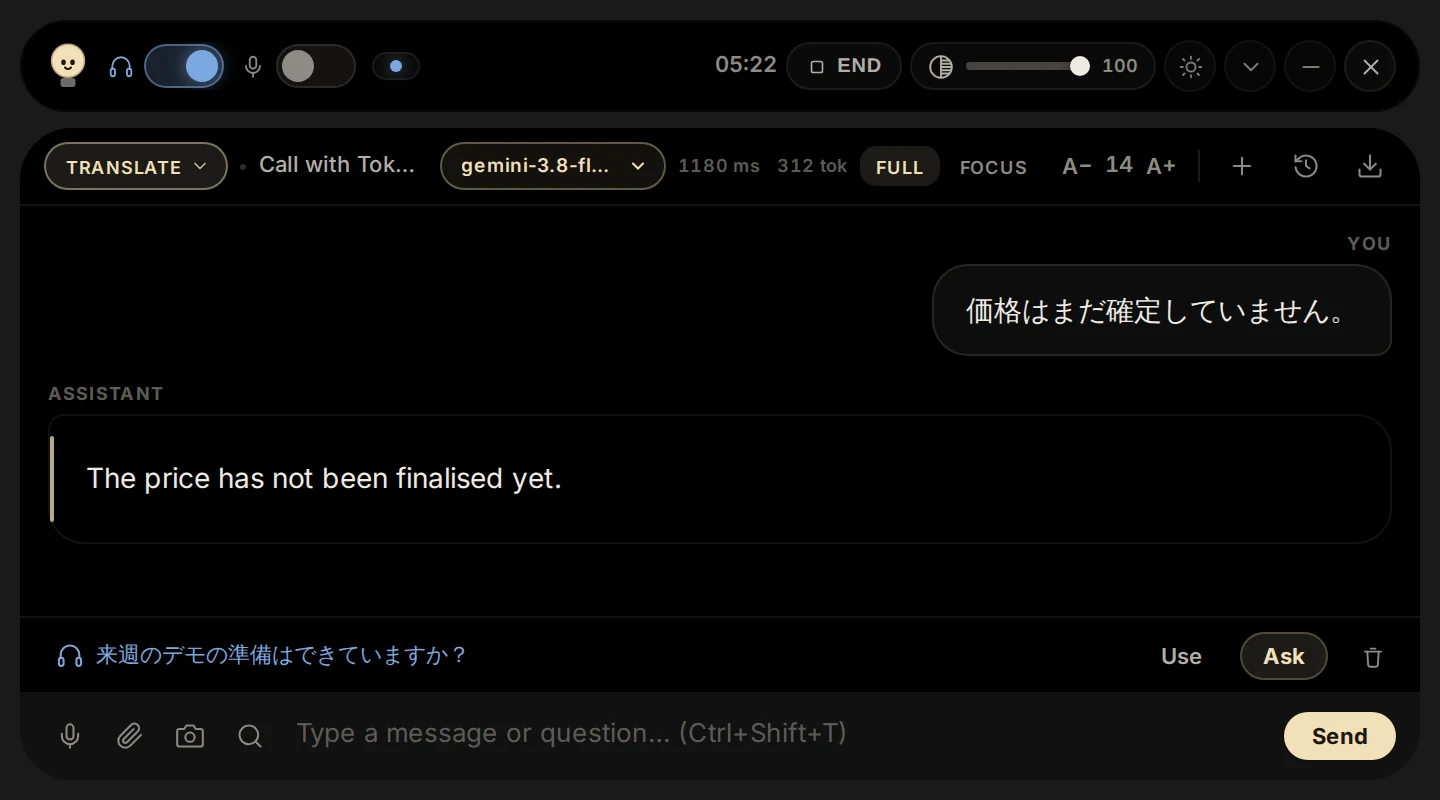
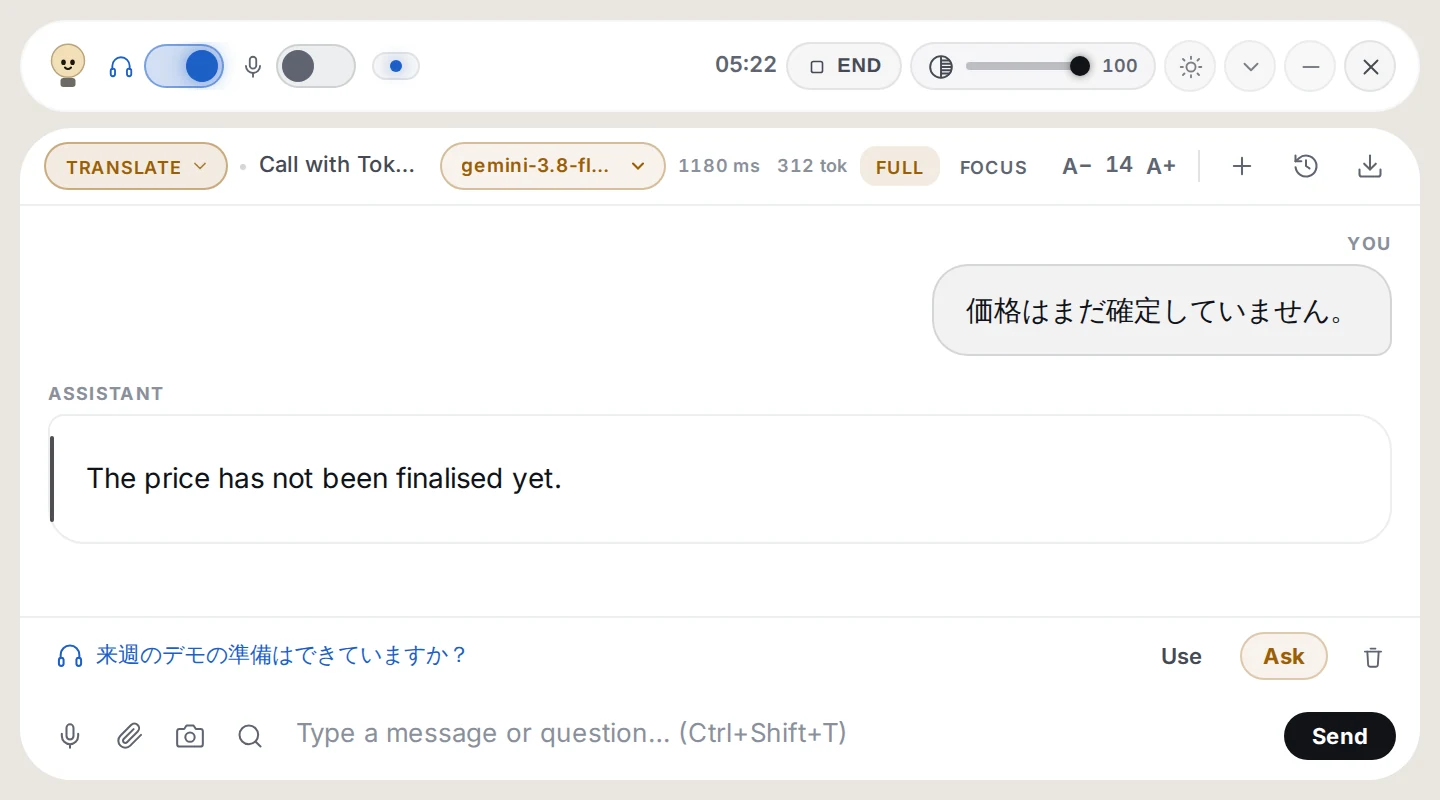
Translate
Hear it, read it in your language
What is said is translated into the language you choose, as it is spoken.
Names, numbers and technical terms stay exact.
Only the translation, no commentary in the way.
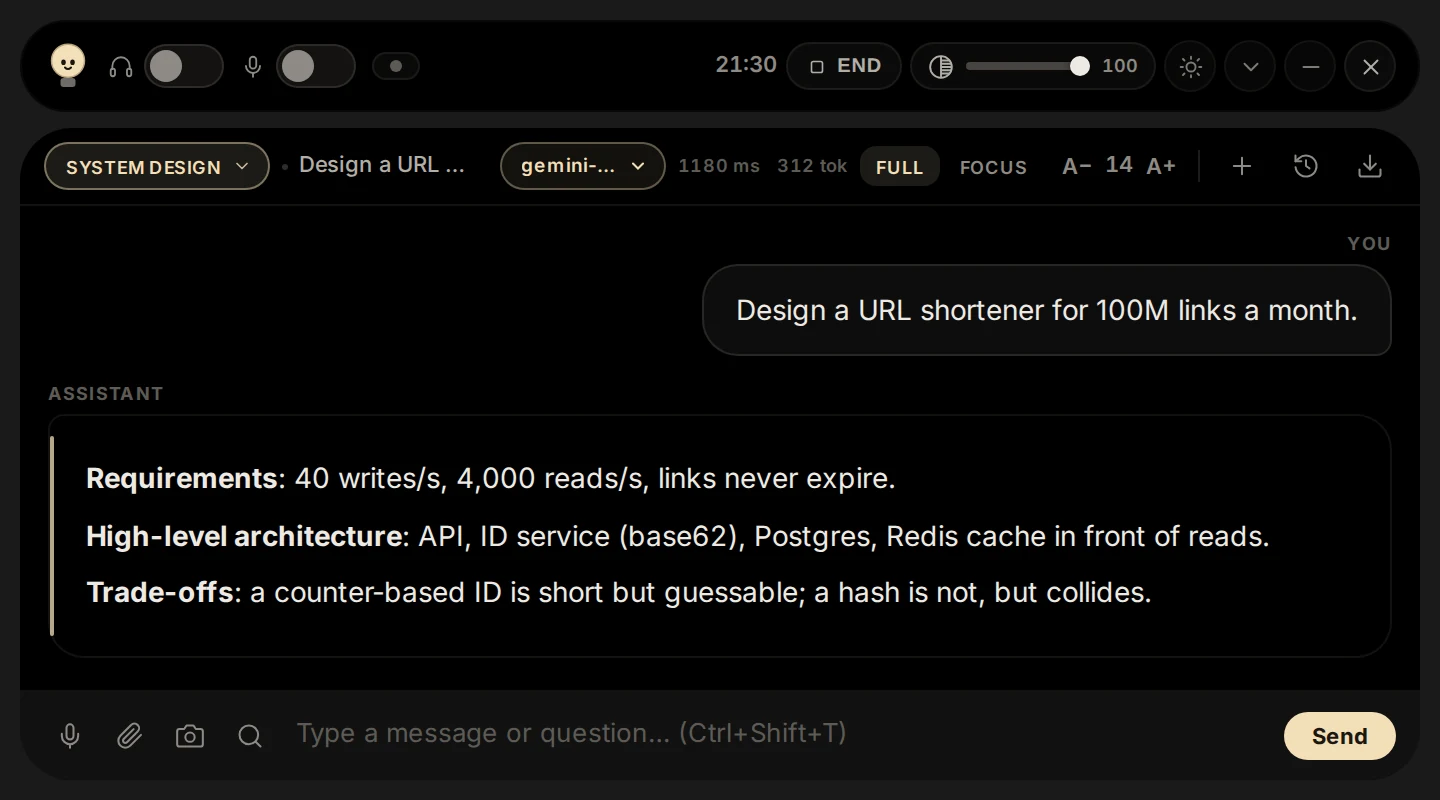
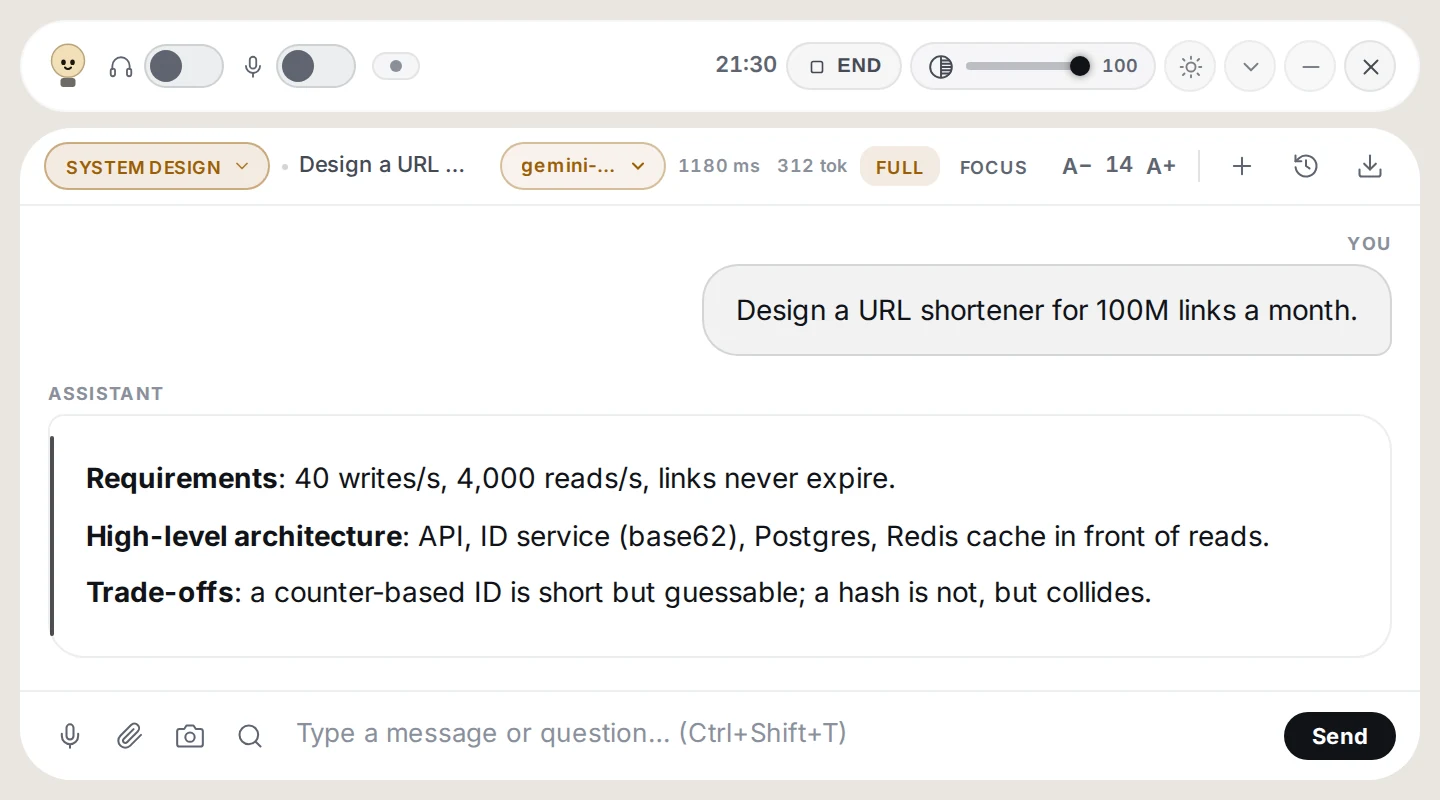
System design
A design answer, in the right order
Requirements, architecture, components, data, scaling, caching, security and trade-offs.
Follow-ups such as "and at ten times the traffic?" build on the same design.
Uses your resume and the job description, like Interview.
Verbatim
Just the words, written down
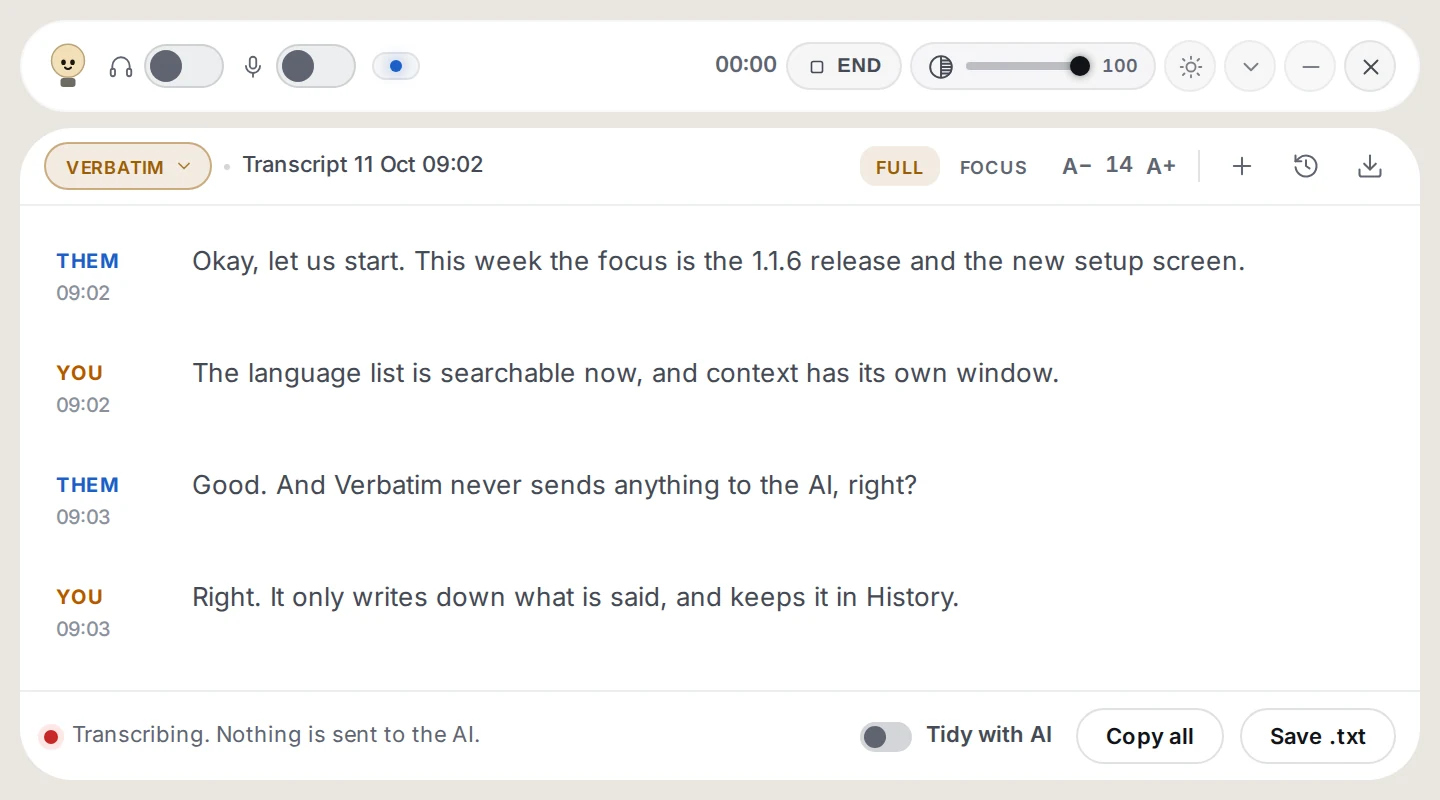
Every line of the call is written down with who said it and when.
Nothing goes to the AI, so you pay only for transcription. Turn on Tidy with AI for punctuation and numbers, billed per paragraph.
Kept in History. Copy it all, or save it as a text file.
Features
Small enough to forget, until you need it
Hears it as it is said
Live transcription in Indonesian, English and more. Open the transcript beside the answers and ask about any line, not just the last one. Need the whole call written down? Use Verbatim.
Looks at your screen
Box an error, a diagram or a slide and ask about exactly that.
Knows your context
Your CV, the job description, your own instructions and the names you use, so suggestions sound like you.
Your choice of model
Quick and cheap, or stronger when it matters. The price of a question is shown before you ask.
Out of your way
A thin bar that opens when you need it, with a focus view and a keyboard shortcut to start typing.
Light on your machine
A native app of a few megabytes that starts fast and stays light while you work.
Privacy
What you say stays yours
Conversations stay on your computer
Your history lives on your own machine, not on ours.
No transcript on the server
Questions, audio and screenshots pass through only to be answered. What is kept is what is billed: the time, the model and the size, never the words.
Private while you present
On Windows the bar and your pointer stay off screen shares and recordings, so your notes are not on everyone's screen.
Pricing
Pay for the questions you ask
Bought in rupiah, spent per question, never expires. Bigger top-ups make each credit cheaper.
Price per question
What one question costs on each model, from real use.
No. You buy credit in rupiah and spend it question
by question. There is no recurring charge, and credit does not expire.
How much does a question cost?
It depends on the model you pick and how long the
question and answer are. The price of each model is shown before you choose, and every
charge is listed on your history page.
What does Verbatim cost?
Verbatim is billed only for transcription, per minute
of speech, at the rate shown under Pricing. Tidy with AI is optional: each finished
paragraph is cleaned by an AI model for about 1 to 2 credits, and it is listed on your
history page like any question.
Do you store my conversations?
No. Your conversations stay on your own computer.
Questions, audio and screenshots pass through the server only to be answered. Nothing is
written to disk here, and there is no transcript.
Will people see Cuelight when I share my screen?
On Windows, no: the bar and your pointer are kept off
screen shares and recordings, and you can turn that off in Setup. On macOS it only works
partly: shares from a browser and macOS 14 leave the bar out, but full-screen shares from
Zoom or Teams on macOS 15 and later show it, and Apple offers no way to hide a window there.
Linux offers no way to do this at all. So on macOS and Linux, share a single window rather
than the whole screen, and test with the privacy check in Setup before an important call.
Which operating systems does it run on?
Cuelight ships desktop builds; the download section
above shows exactly which platforms this release published. Sign in with the same account
on every machine.
Do I need a code to sign up?
No code is required. When sign-ups are open, you
register with your name, email and password; a referral code is optional and, if you have
one, adds free credit to your new account.